Feature1 for Slack
Your product context, one direct message away.
Ask about your codebase, catch up on product development, and turn a conversation into a bug, feature or user story. Work with Feature1 from Slack.

A connected Feature1 account is required. Signup and workspace linking may need setup assistance.
Start with the question, not another tab.
Example questions and requests for your Feature1 direct messages. Answers depend on the repositories and product data connected to your workspace.
- Understand the codebase
How does our authentication flow work?
Ask about implementation using your connected repository and Feature1 context.
- Catch up on delivery
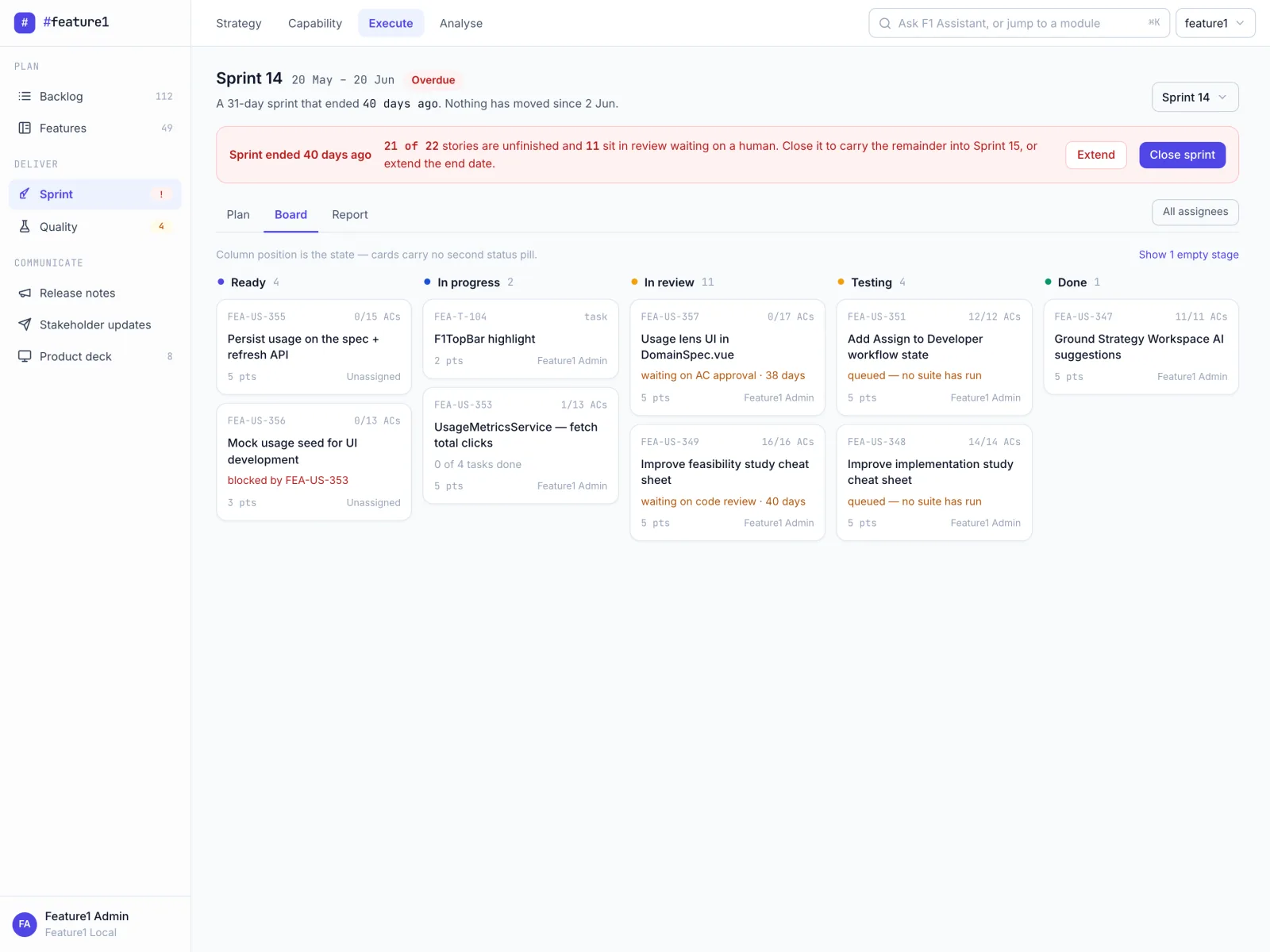
What is the status of our current sprint?
Ask about features, user stories and sprint progress already tracked in Feature1.
- Explore product signals
What customer feedback do we have about onboarding?
Explore connected VOC and product-health context. Available evidence depends on your integrations.
- Turn an issue into work
Create a bug: the password reset link opens an expired session.
Describe the issue and work through the details with Feature1. You can also request features, user stories and research spikes.
The conversation starts in Slack. The work lives in Feature1.
Slack is another way to work with your product context, not a separate backlog. Ask about existing work or request an artifact in your Feature1 workspace.
Connect your workspace. Then start a conversation.
Add Feature1 to Slack
Open Slack's authorization screen and review the requested permissions. Installation alone does not create or connect your Feature1 account. Request access if you need setup assistance.
Connect your product context
You need a Feature1 account in the connected workspace, using the same email as Slack. Repository and signal connections determine what Feature1 can answer.
Message Feature1 directly
Ask a question or describe the work you want to create. Follow up in the same DM thread to keep the conversation together.
Before you connect
Do I need a Feature1 account?
Yes. The current integration matches your Slack email to an active Feature1 user in the connected workspace. The Add to Slack button opens authorization, but does not itself create or link a Feature1 account. Request access if you need help with signup or workspace linking.
Can I mention Feature1 in a channel?
The current assistant supports direct messages and replies within those DM threads. Channel mentions are not supported by this assistant yet.
Does installing Slack access connect my code and analytics?
No. Your repositories and signal sources must be connected to Feature1 separately. The Slack assistant uses the context available in that workspace; it does not gain access to other tools just because Slack is connected.
Is this a Jira integration?
This page describes the Feature1 assistant in Slack. Artifact creation here means creating work in Feature1, not creating or synchronizing Jira tickets.
What access will Feature1 need?
The authorization link requests permissions for messages and history in accessible public and private channels and direct messages, files, user profiles and email addresses, joining public channels, posting and customizing messages, reading app mentions, and creating or editing canvases. These permissions cover more than the DM assistant. Review the complete Slack authorization screen before approving; a requested permission does not mean every associated feature is available.
Bring Feature1 into your Slack workflow.
Start with the product questions your team is already asking.