F1 Assistant
Domain-aware threads grounded in your codebase and live project state, with the records behind every claim listed underneath it.
Shareable threadsCited answersMost product workflows split context across strategy, planning, tickets, code and QA. Feature1 keeps the reason behind the work connected from decision to shipped software.
Feature1 does not replace your Git provider or coding agent. It gives every planning and implementation surface the same product intent, constraints and evidence.
A rough idea goes through structured stages before a line of code is written: decomposition, feasibility with effort and dependencies, implementation study, open questions, and a full PRD. Most tools generate a document. This one argues with you first.
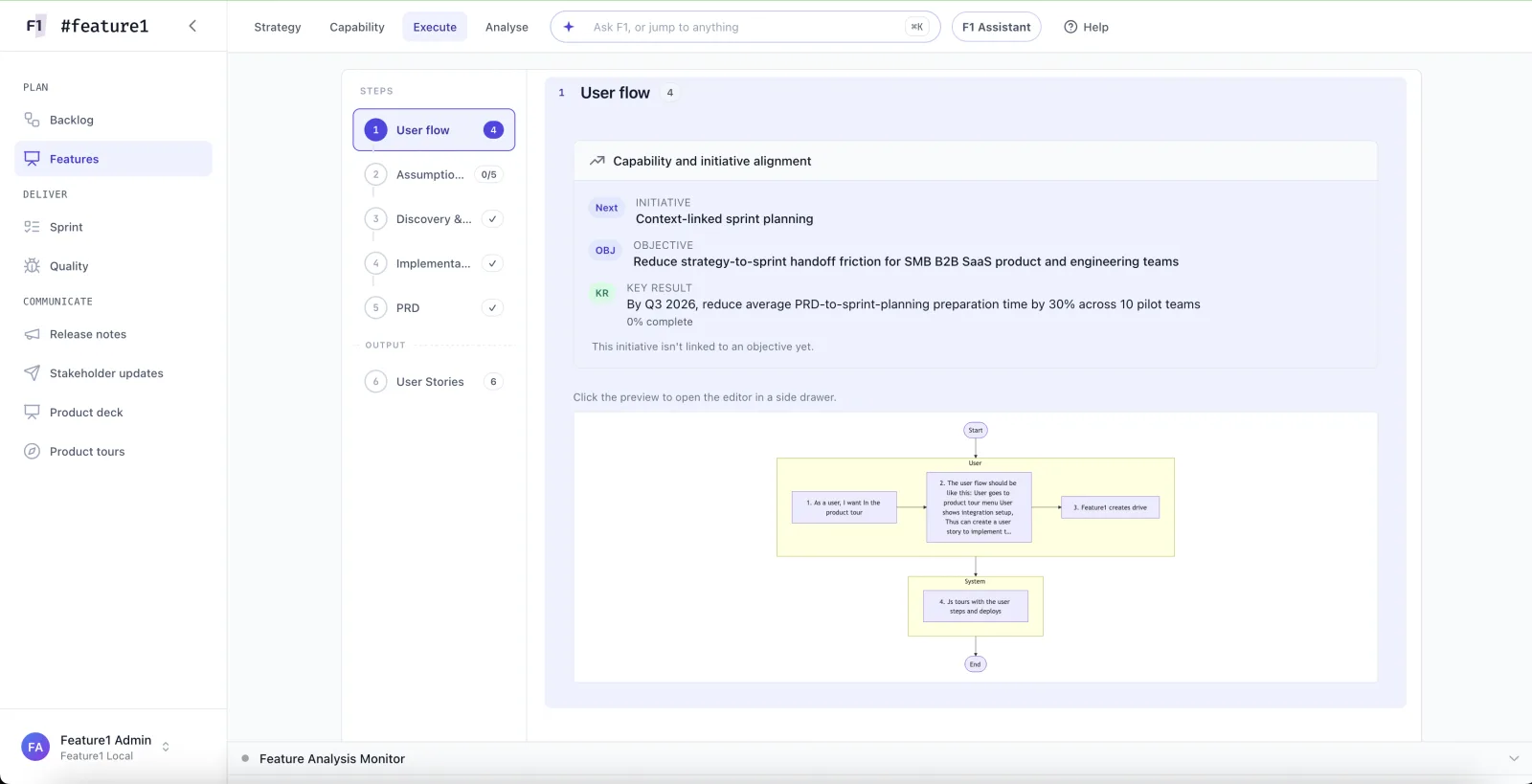
Implementation proceeds criterion by criterion with the product intent, constraints and architecture context attached. Developers can work directly or through an MCP-connected coding agent; each criterion is approved before the next one begins.
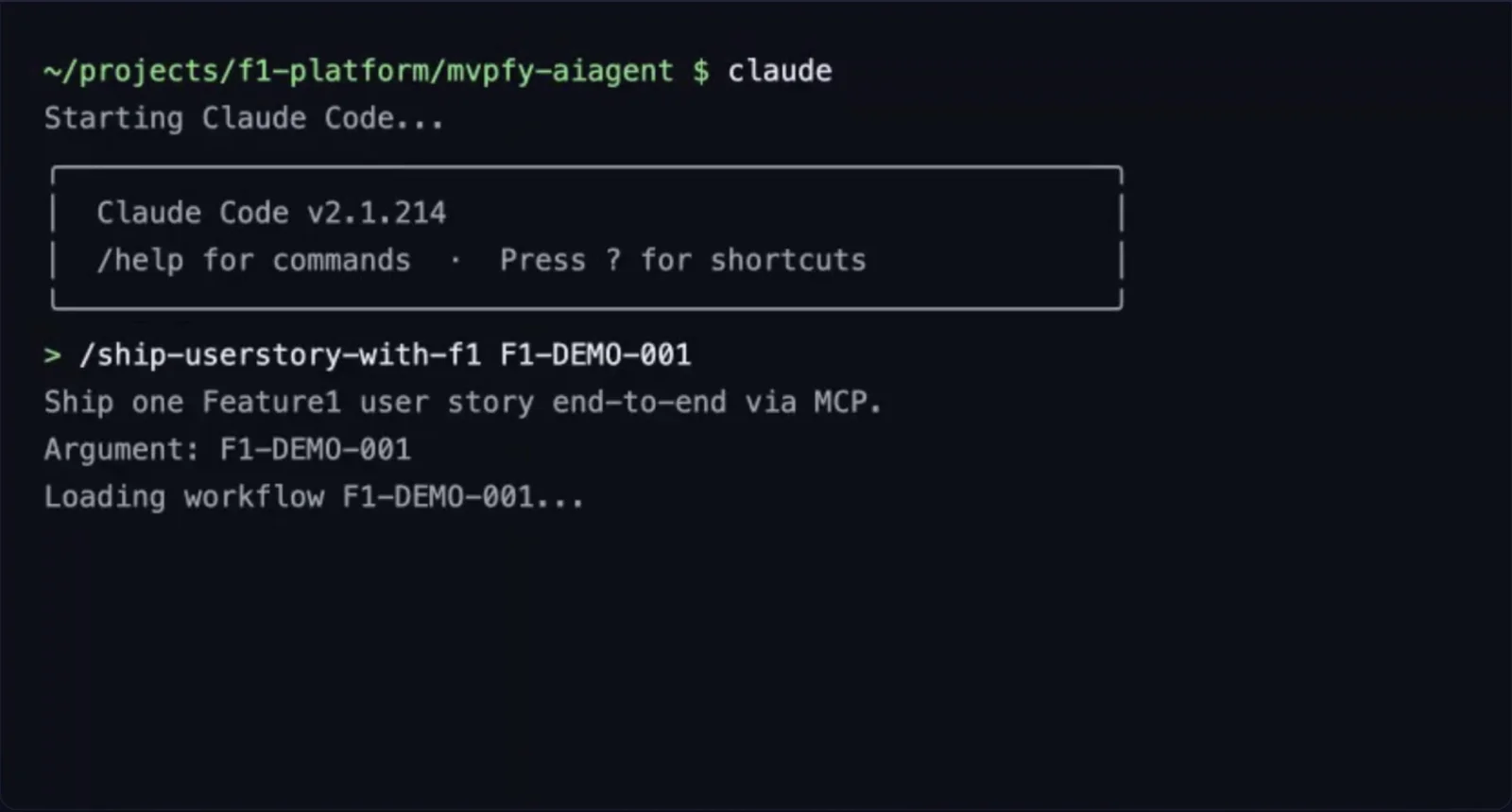
Thirty-plus MCP tools expose features, stories, acceptance criteria, validation and sprint data to any MCP-compatible agent. First-class with Claude Code, agnostic by design. Your agent stops guessing at your backlog.
An objective defines the outcome. A capability delta defines what the product must become. Initiatives, features and stories then carry that intent into delivery.
After implementation lands, trigger a capability scan and Feature1 refreshes the evidence under its capability model. Planning remains grounded in the product that exists now.
Domain-aware threads grounded in your codebase and live project state, with the records behind every claim listed underneath it.
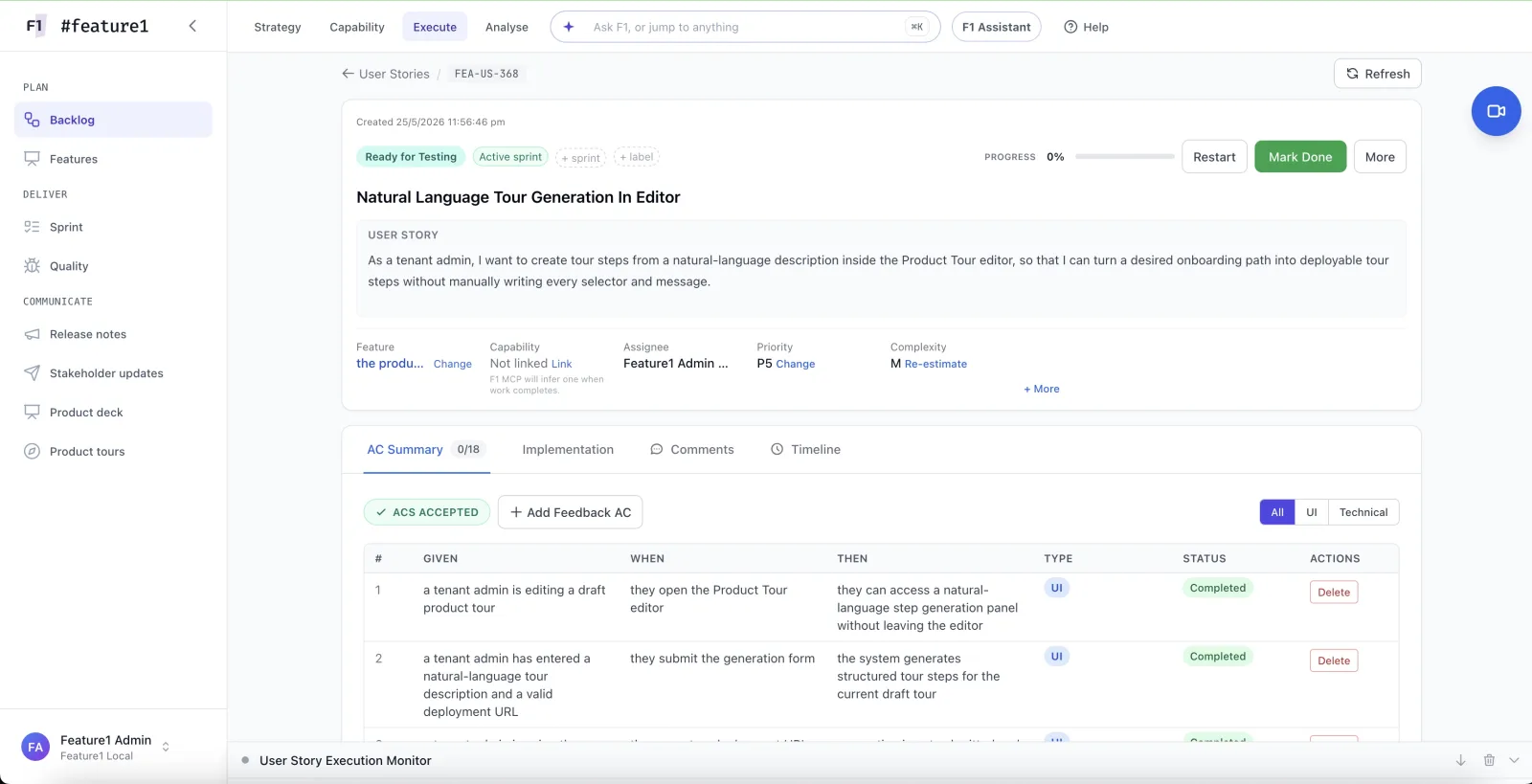
Shareable threadsCited answersWell-formed stories and Given / When / Then criteria straight from planned features, each one independently testable.
US-2041AC-001One-click sprints from a prioritised backlog, AI-assisted estimation, velocity and burn-down without leaving the platform.
78 pts18 / 20 doneBranches, commits and pull requests stay linked to the intent and sprint work that drove the change.
GitHubGitLabBitbucketA living knowledge graph of codebase architecture, business context, customer feedback and team conventions.
Knowledge graphRelease notes and stakeholder summaries drafted from completed work, each traceable back to the objective it served.
Objective → PRBring a live objective and a real sprint. If the connection between them is not visible in an afternoon, it is not for you.